
Create a Profile on OneAlabama
Follow the steps below to create a OneAlabama profile:
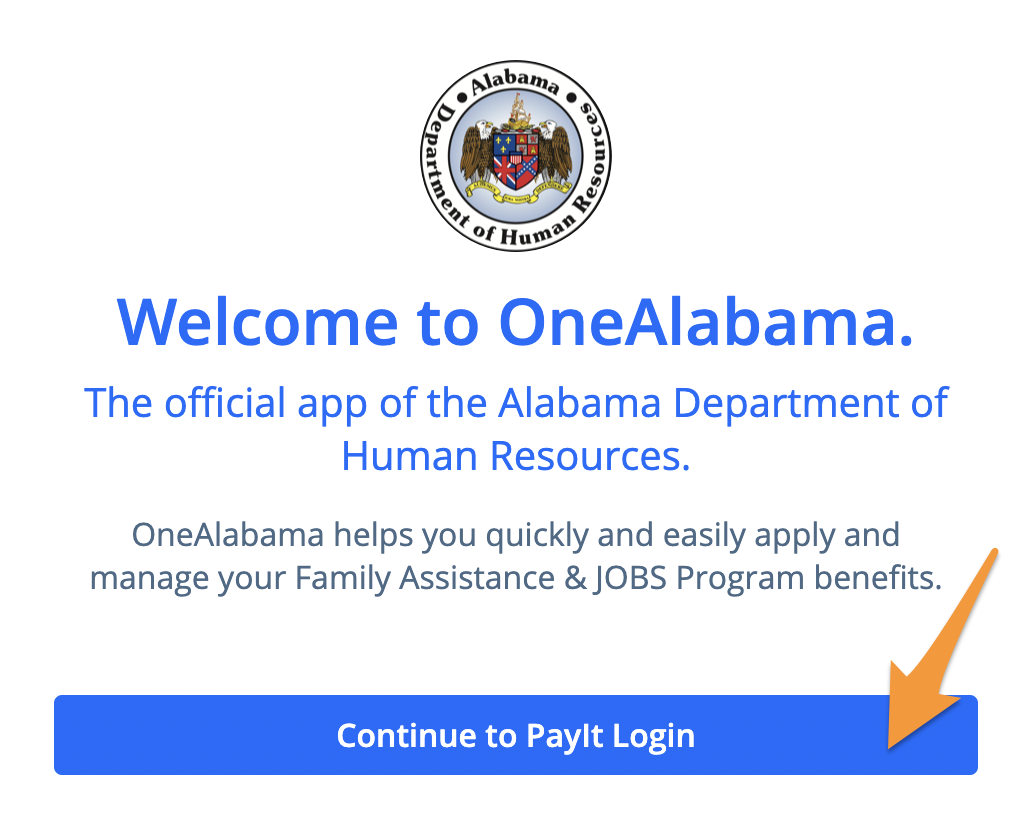
- Visit OneAlabama and click on the blue Continue to PayIt Login button
- Click Create an Account
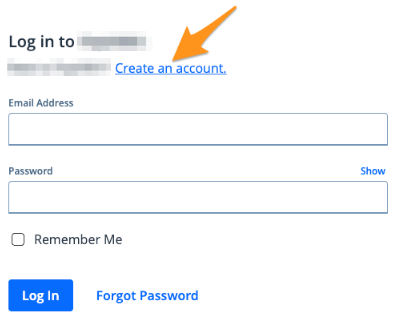
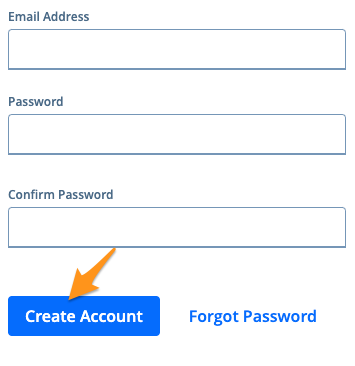
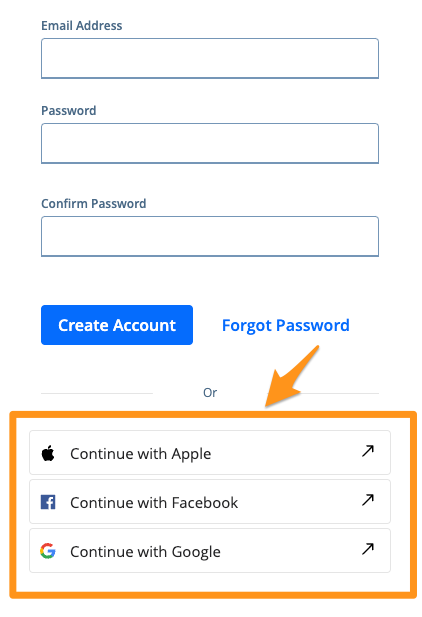
- You can create an account using an email address or select a social option
- To create an account using an email address, enter your email address, create and confirm a password, and then select Create Account. (See Completing Email Verification on Powered by PayIt Apps)
- To create an account using a social option, click Continue with Apple, Continue with Facebook,or Continue with Google
Note:
- Your password must be at least eight characters long. You do not need numbers, upper-case letters, or symbols.
- If you get the message "Username and/or password are incorrect," when creating an account with your email address, you already have an account with this email address.